Română
Vault Map - Knowledge Atlas
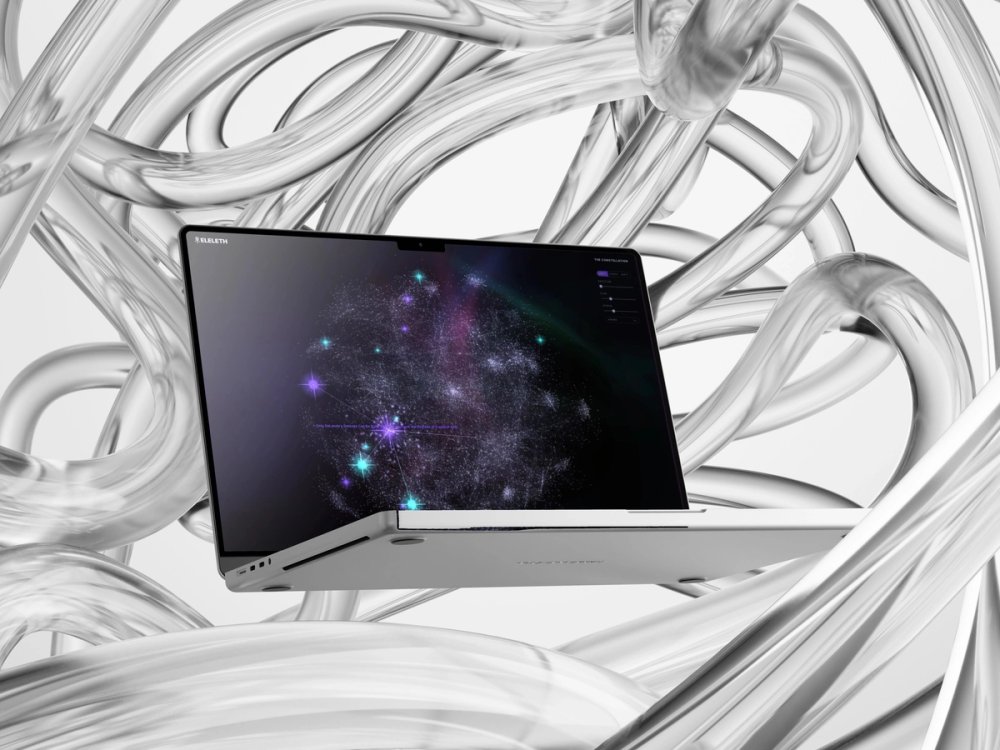
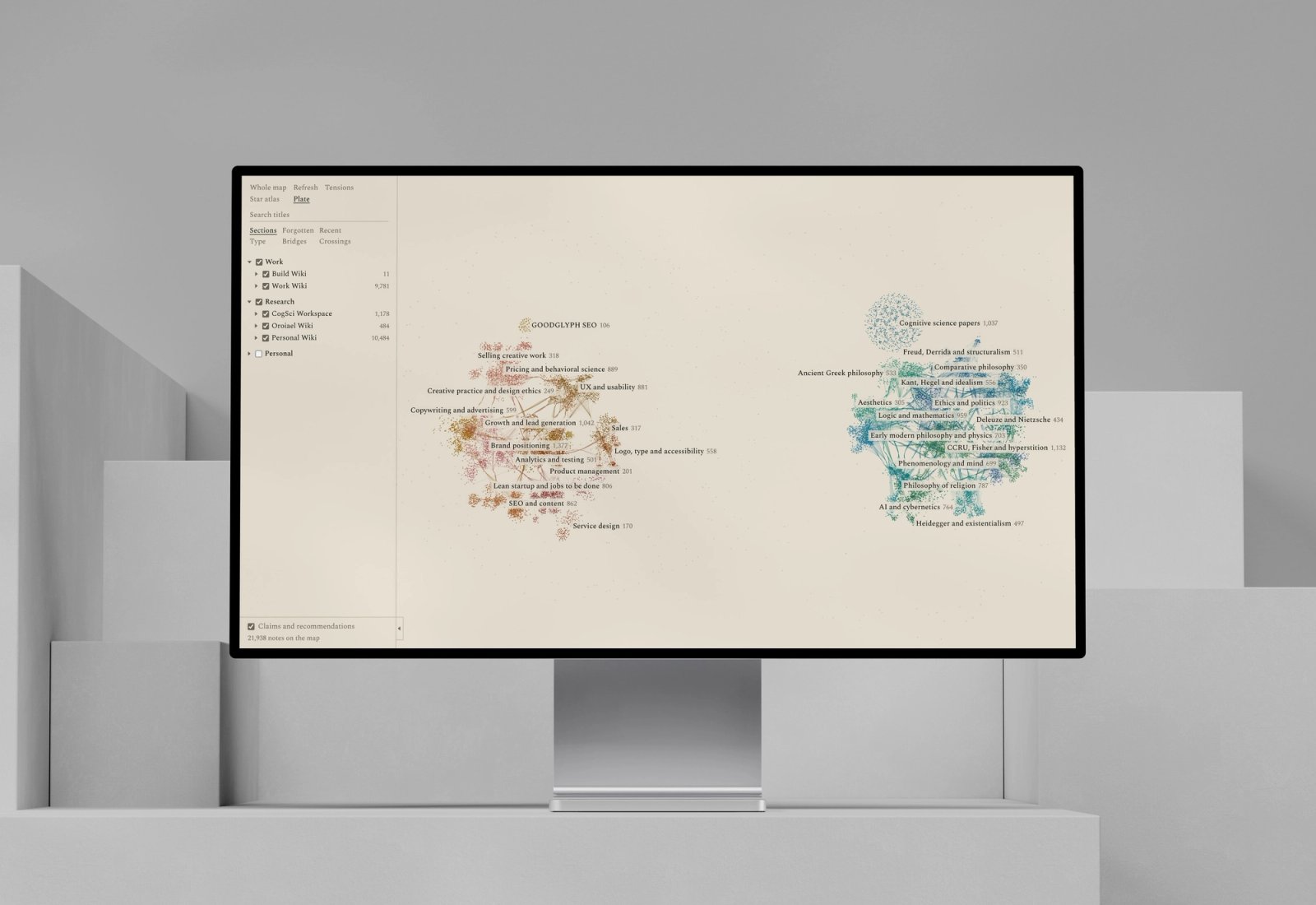
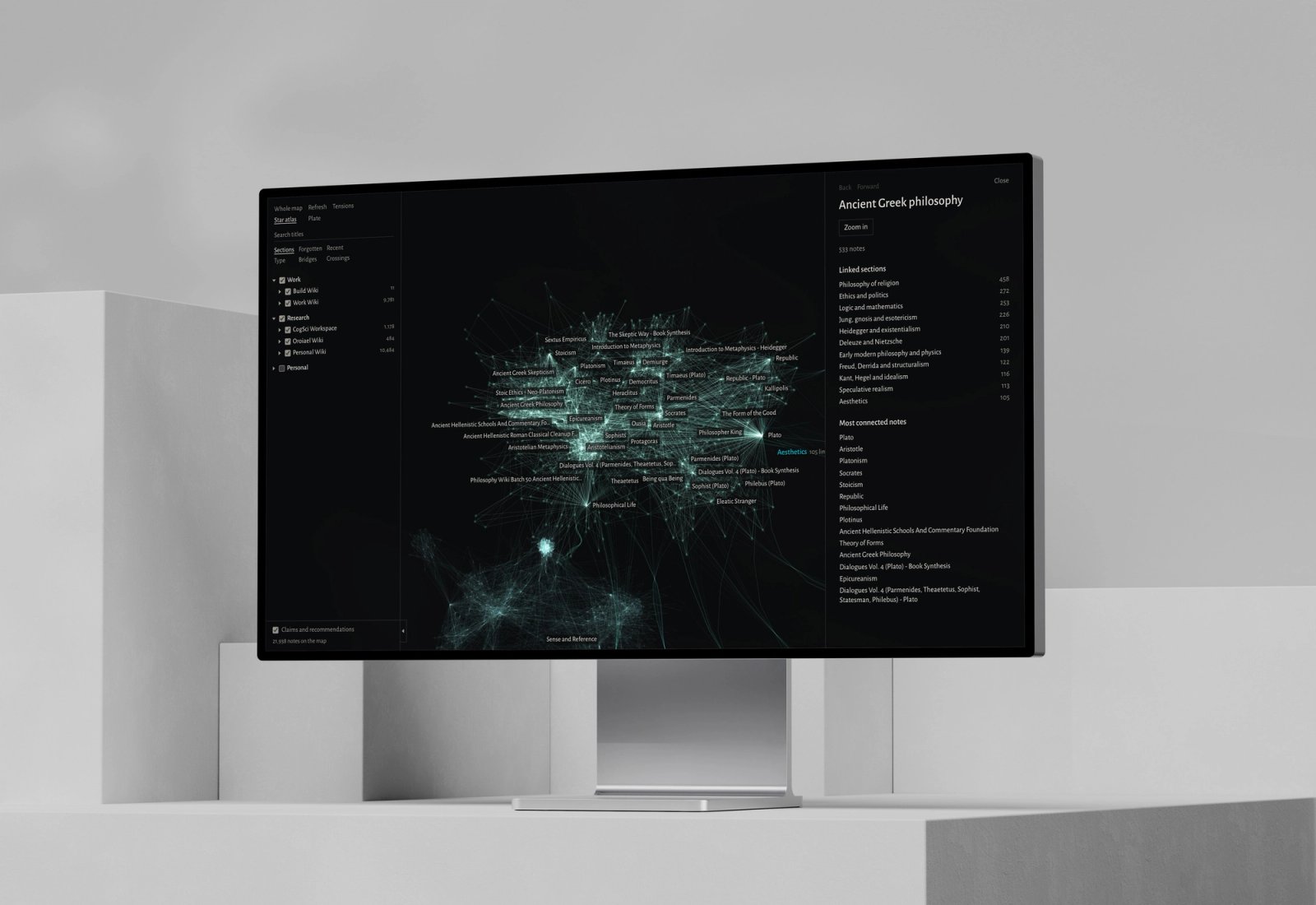
Vault Map is the Mac app I built to see everything I've collected in one place. It reads my 8 Obsidian vaults from disk and lays out 23,061 notes as a single map: sections you can read from far away, notes you can open up close. It runs on my Mac alone, for an audience of one.
23,000 notes and no way to see them all
My notes live in 8 Obsidian vaults: research wikis, studio strategy, build notes and a few private ones. Search finds what I already know to ask for. It can't show the shape of what I've collected: where the dense subjects are, which ideas bridge two fields, or which corners I've forgotten.
One map, readable from any distance
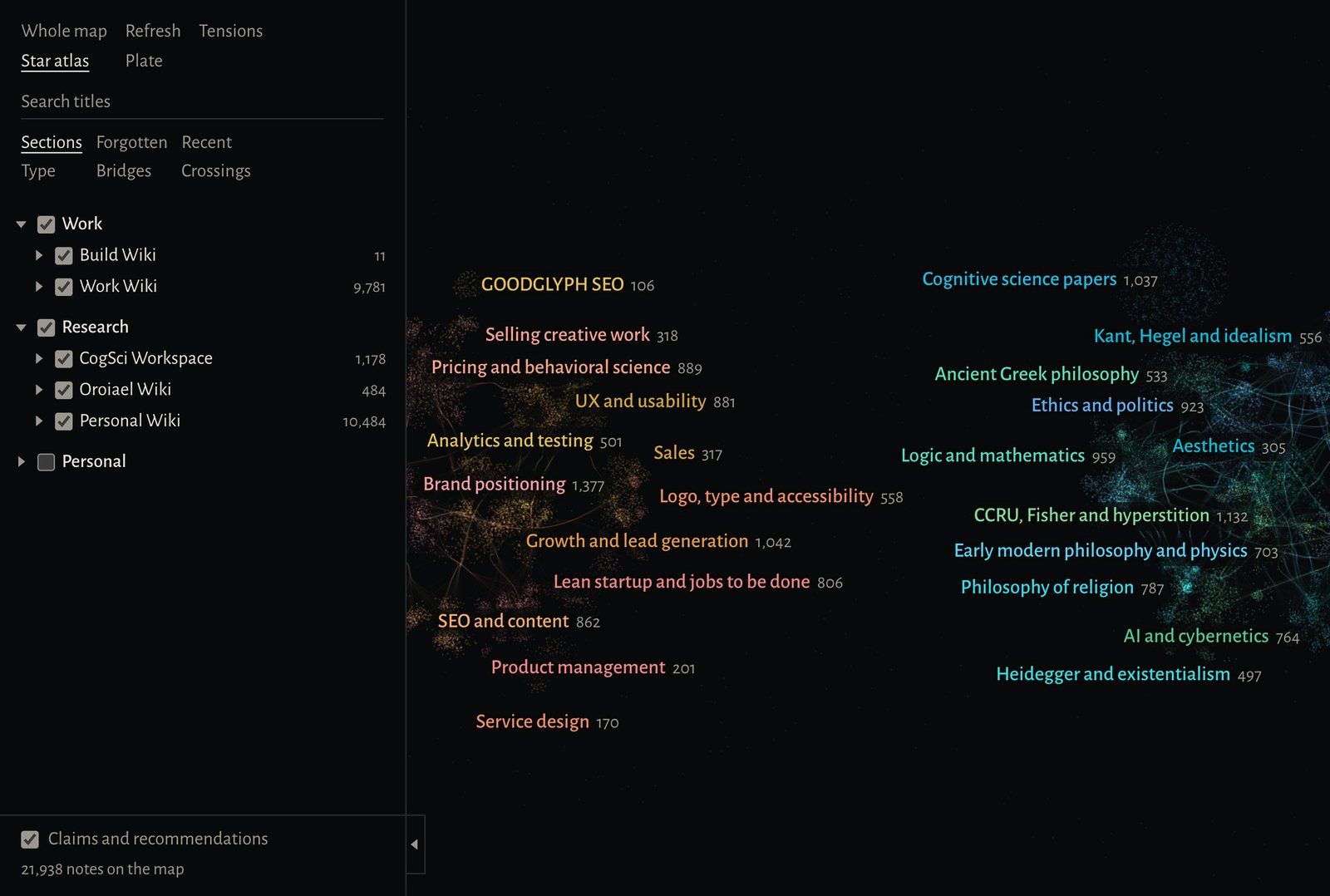
Every note is a point, and notes that link to each other gather into 47 named sections. From far away you read the sections and the streams running between them. Click one and its links light up. Zoom in and the notes appear, each ready to read in a side panel or open in Obsidian. Vaults switch off in one click, and every note keeps its place on the map.
Research & Definition
- 01Read all 8 vaults from disk and kept the [[wikilinks]] as connections.
- 02Tried folders as sections, found they sort notes by type, and moved to sections found from the links.
- 03Built the far view first: named sections, with links bundled into streams.
- 04Tested three visual directions on the same map.
- 05Added the near view, where a section opens into its notes and a note into its links.
- 06Added search, refresh, six lenses and the Mac app around it.
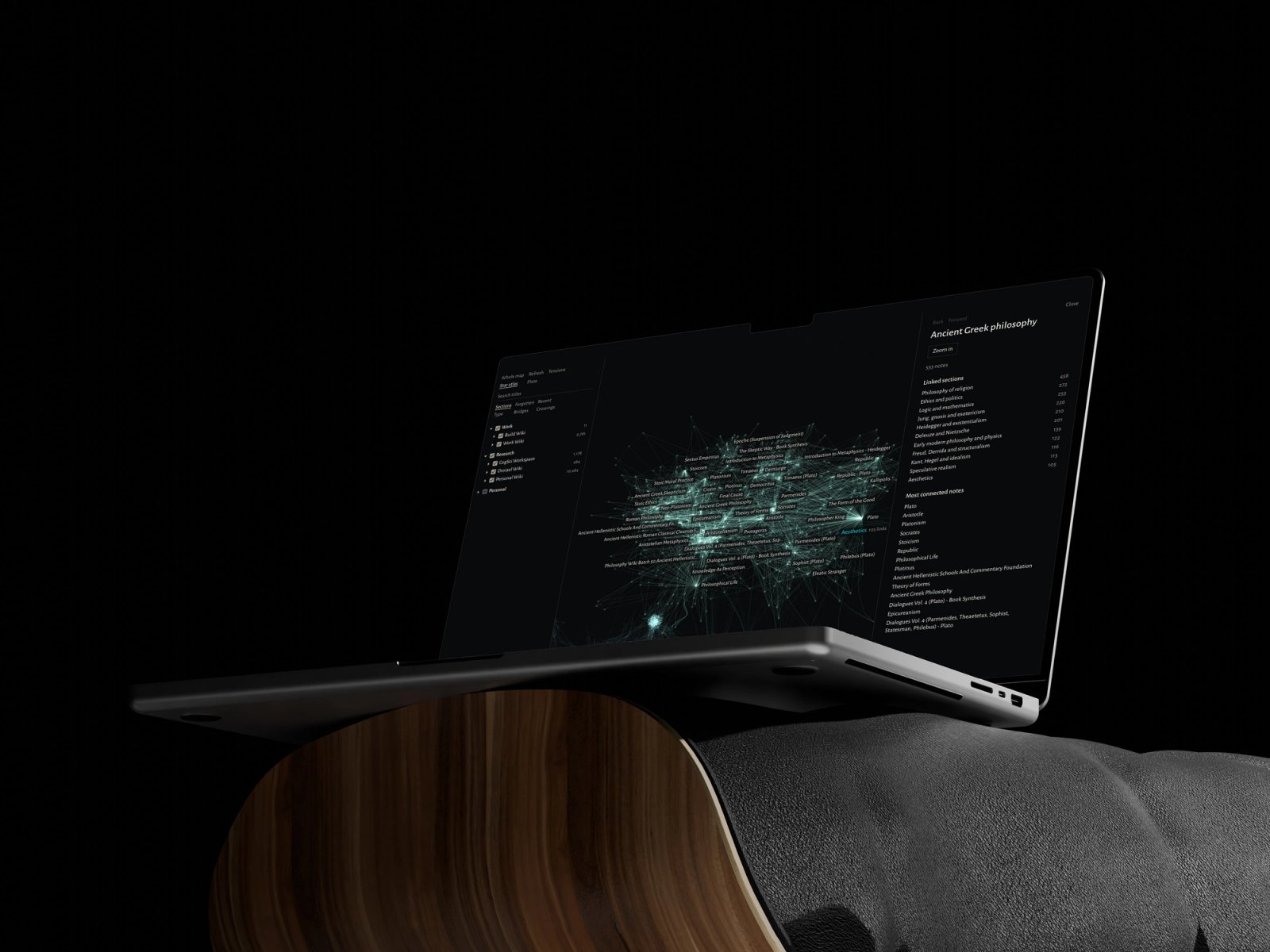
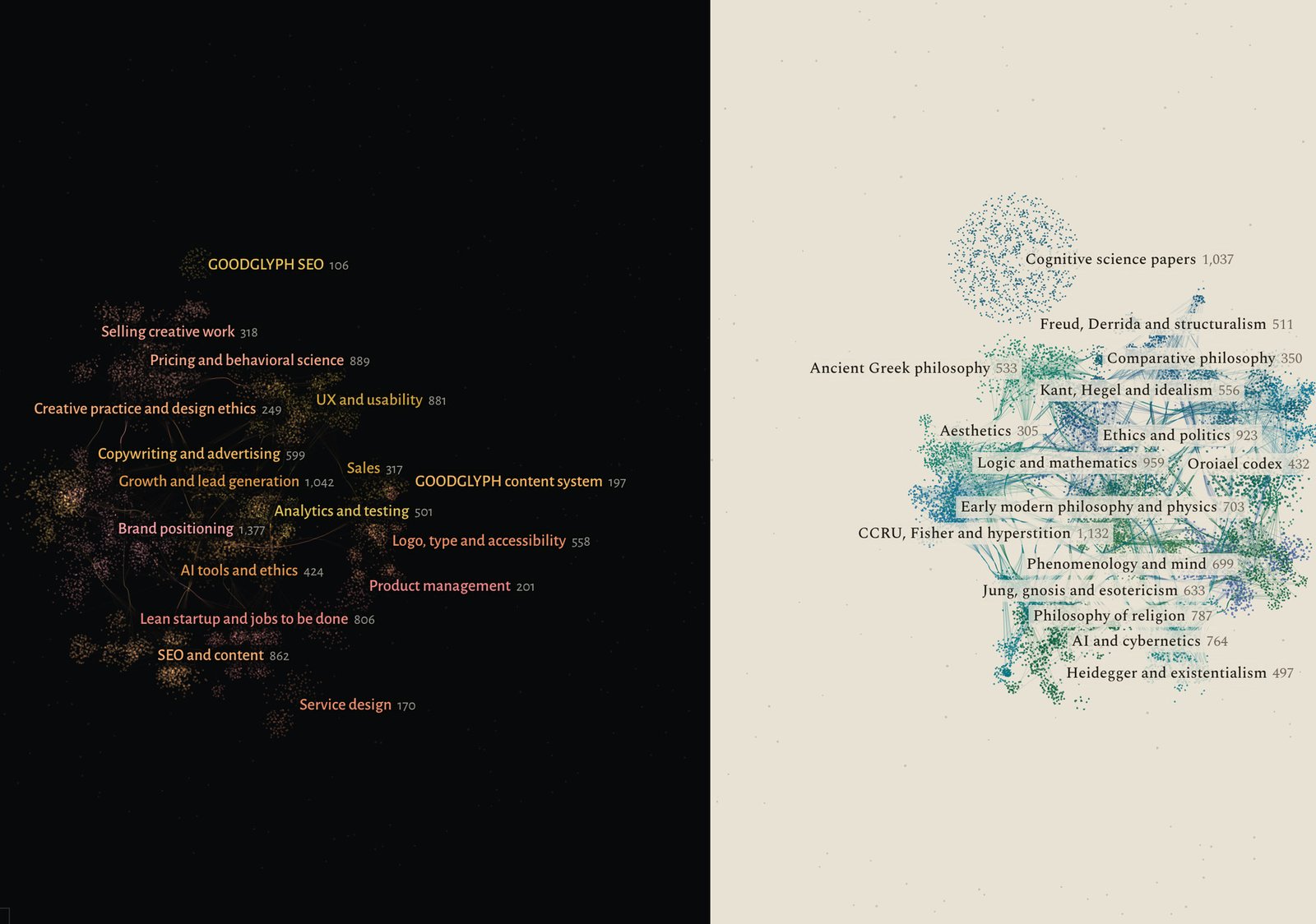
Star atlas: section names, lists and the reader, warm enough to sit on a black map.
Plate: every label set in a book serif, so the map reads like a printed page.
From the whole map down to one note
From far away you read sections. Click one and its links fan out, thicker where more notes connect. Zoom in and the notes appear with their names. Click a note and it lights up as a hub with spokes, with the full text open beside it and a button to open it in Obsidian.
Six ways to read one map
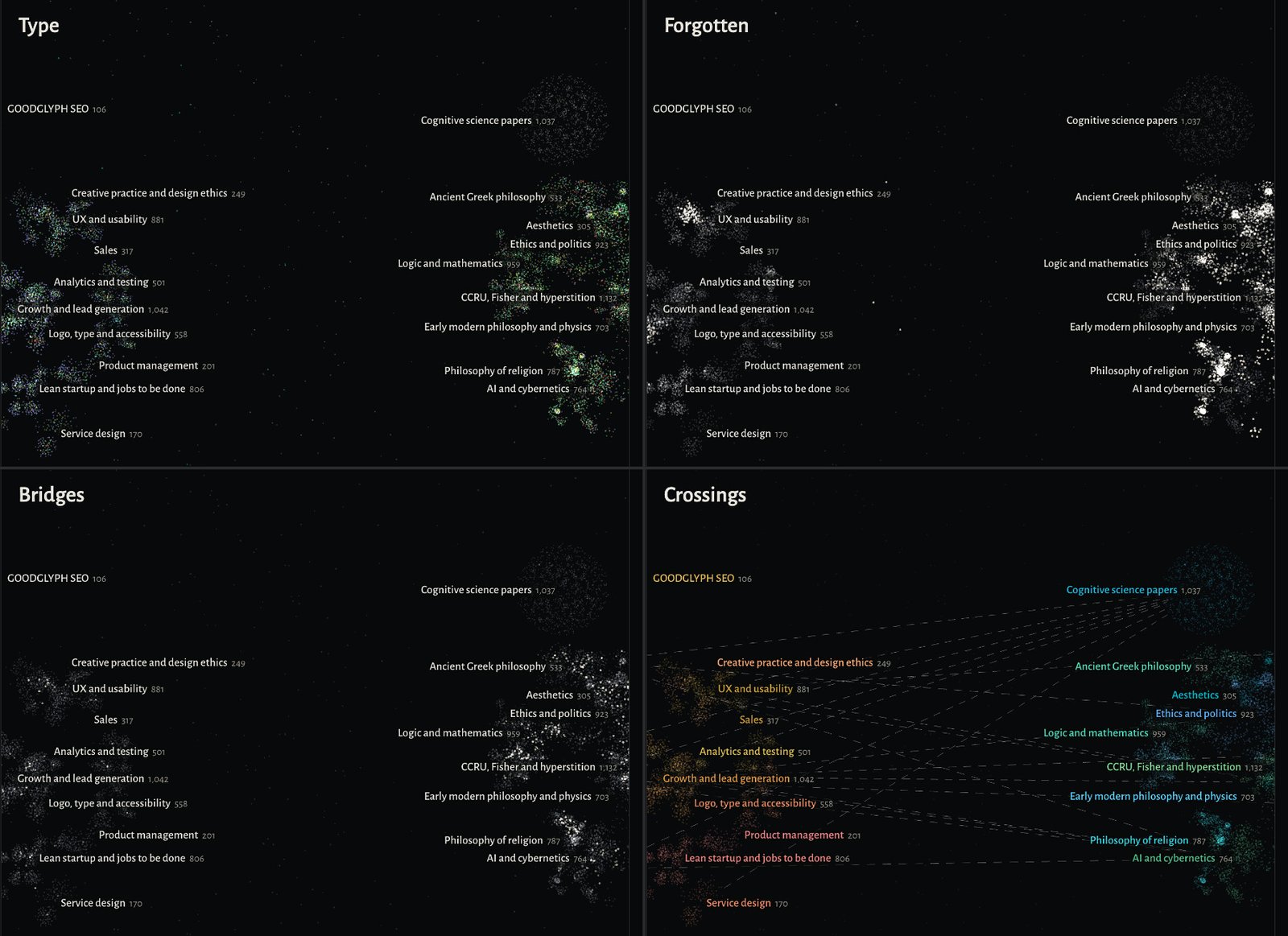
Sections colors the map by subject. Forgotten brings up the notes untouched the longest, Recent the newest, and Type shows what kind of note each one is. Bridges lights the notes that tie a group together, and Crossings finds sections that share themes with no link between them.
A star atlas and a printed plate
Star atlas draws light on black, set in Alegreya Sans. Plate redraws the same map as ink on paper, set in Spectral. One click switches between them, and every note stays where it was.
It lives on my Mac
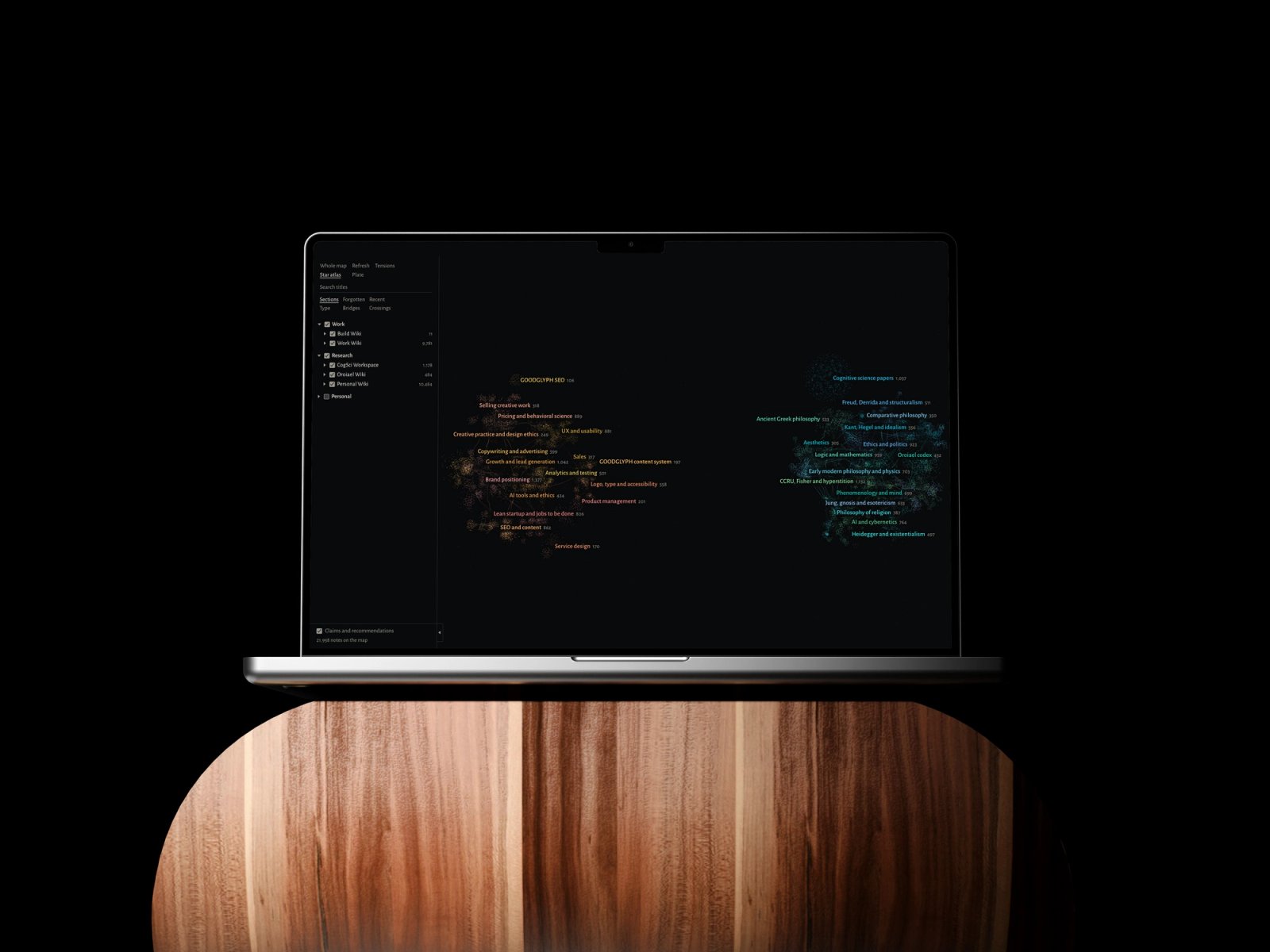
Everything the app reads sits on my disk and everything it draws stays there, so it works offline and costs nothing to run. Vaults sit in groups with their own switches, and the Personal group starts off, so the map is safe to open on a screen share. Switched off, a group's notes, links and titles leave the map and the search.
Iteration & Refinement
Links drew the sections
My first idea was to use folders, but in these vaults a folder holds a type of note: concepts, sources, claims. Clustering the links gave real subjects, 47 of them, and each one got a plain name I can correct.
Three looks, two kept
I tried Star atlas, Plate and a third look called Pigment. Pigment went, and the other two stayed as a live switch, since each one makes different things easy to read.